Saltar al contenido principal.

 Copilot Pro: Maximize Your Productivity with AI 

 The AI Revolution in Everyday Work 

 

           Grupo 3-Sep-28-2025-06-36-33-7786-PM


Let AI with Copilot Pro and Copilot + Office transform the way you automate daily tasks.

Utiliza Copilot para eficientizar tu operación

Discover Exclusive Features That Will Transform the Way You Create, Code, and Automate Tasks. 
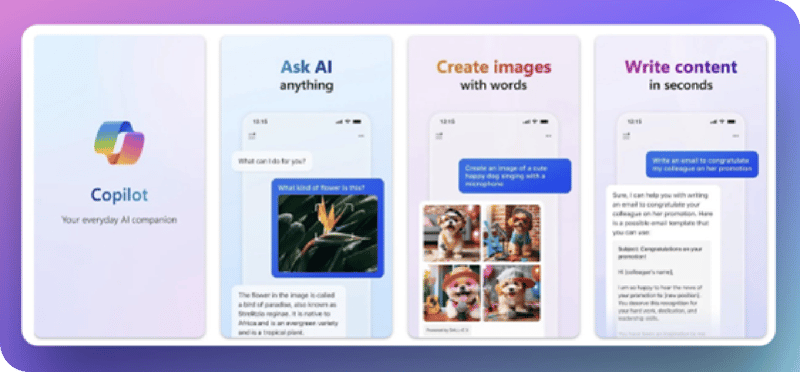
Imagen 1-Sep-28-2025-06-36-57-5531-PM


Copilot Pro offers a range of exclusive features designed to enhance productivity and creativity. Here are some details about these capabilities.

ordinary-human-job-performed-by-anthropomorphic-robot (1)
Code Completion: Copilot Pro provides advanced code suggestions, helping developers write code faster and with fewer errors. This includes the ability to automatically generate code based on natural language descriptions.
Content Generation: With Copilot Pro, you can generate creative content such as poems, stories, songs, and more, using AI to inspire you and support your creative projects.
Task Automation: Copilot Pro helps automate repetitive tasks, allowing you to save time and focus on more important work.
Unified Experience: Enjoy a consistent Copilot experience across different platforms and applications, such as Visual Studio Code, GitHub, Word, and Outlook—meaning you can carry your preferences and workflows across tools.
Customization: Copilot Pro allows you to tailor code suggestions to your preferences and programming style, choosing between different levels of creativity, precision, and documentation.

 The key difference between Copilot and Copilot Pro lies in the advanced capabilities and priority access that Copilot Pro provides. Here is a summary of the main differences 

 
Priority Access: Copilot Pro provides priority access to the latest AI models, such as GPT-4 Turbo, even during peak hours, ensuring faster and more consistent performance.
Microsoft 365 Integration: While Copilot is a standalone tool, Copilot Pro integrates directly with Microsoft 365 applications such as Word, Excel, PowerPoint, Outlook, and OneNote, enabling a more seamless and productive experience.
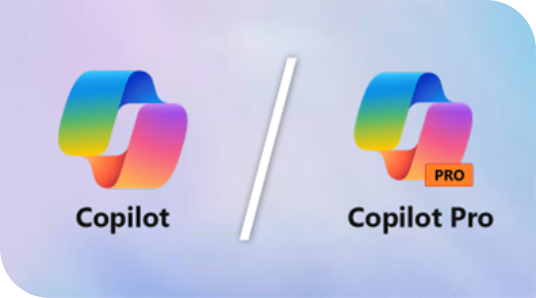
Imagen 2-Sep-28-2025-06-36-44-0588-PM
 
Exclusive Features: Copilot Pro includes exclusive features such as generating full PowerPoint presentations from a simple description, drafting documents in Word, creating charts and data analysis in Excel, and composing emails in Outlook tailored to the recipient.
AI Image Generation: Copilot Pro subscribers can generate unique images with DALL·E 3 and enhance their creations with daily credits in Designer.
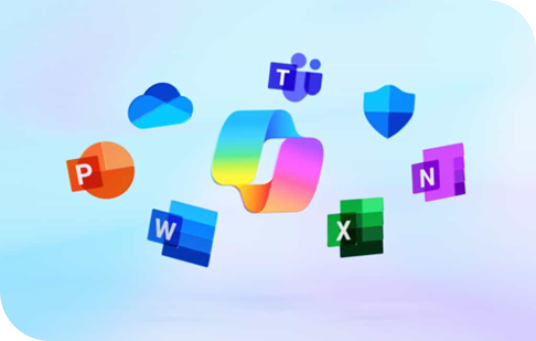
Imagen 3-Sep-28-2025-06-37-21-6552-PM
 
Cost: Copilot is free, but with limitations in its capabilities. Copilot Pro, on the other hand, has a monthly subscription cost that provides access to all advanced features and benefits.
Customization and Limits: Copilot Pro allows for greater customization in suggestions and does not have the same limitations on the number of suggestions as the free version.
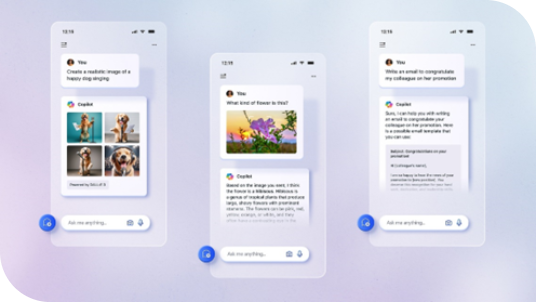
Imagen 4-Sep-28-2025-06-37-09-6706-PM

These are some of the key differences; however, it is always advisable to consult the most up-to-date information from official sources to make an informed decision. 

More Information Demo

 Do you need more information about the solution? We’re here to help you streamline and optimize your processes.