Transforma tu Mesa de Ayuda con GLPI
How to Automate Business Processes with AI
Learn how to automate business processes with AI, intelligent workflows and system integration to improve operational efficiency.
GLPI
GLPI Mesa de ayuda inteligente
How to Automate Business Processes with AI
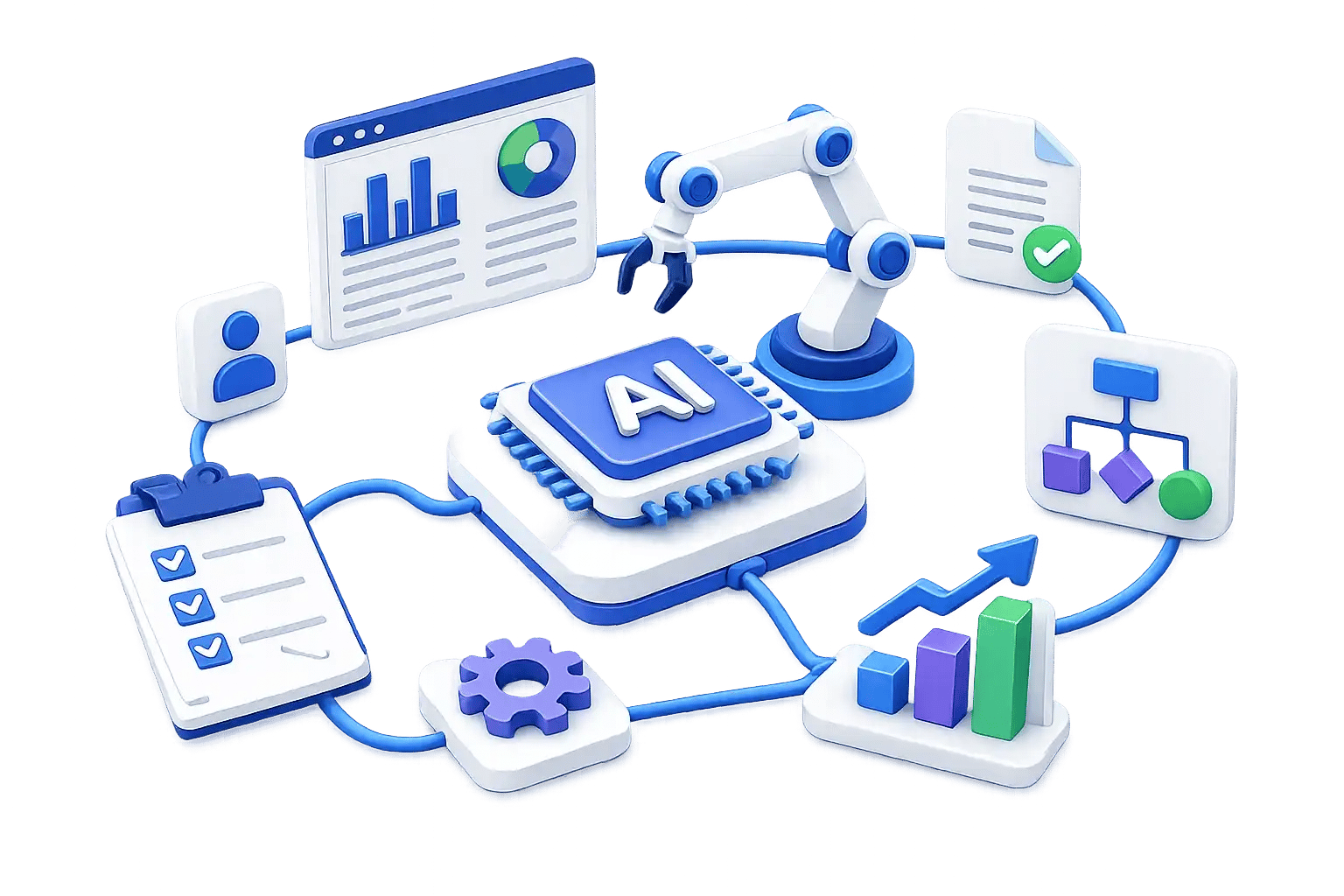
A practical guide to transforming manual workflows into intelligent, connected and scalable business processes with Artificial Intelligence, automation platforms, system integration and custom software development.
Manual Processes Are Still Holding Companies Back
Many organizations still rely on spreadsheets, email approvals, manual document review and disconnected applications to operate critical business processes.
What Does It Mean to Automate Business Processes with AI?
Automating business processes with AI means using Artificial Intelligence to support, accelerate or improve workflows that previously depended on manual activities.
How to Automate Business Processes with AI: Step-by-Step
🔹 Step 1: Identify
Identify repetitive and high-impact processes such as purchase requests, supplier onboarding, ticket classification, document review, invoice processing and internal approvals.
🔹 Step 2: Map
Document who starts the process, what systems are involved, what approvals are needed, where delays occur and which tasks are repetitive.
🔹 Step 3: Define AI
Define whether AI should classify requests, read documents, answer questions, extract information, route tickets, generate reports or support users through an AI agent.
🔹 Step 4: Connect
Connect applications, APIs, databases, email, document repositories, service desk platforms, dashboards, cloud services and internal systems.
🔹 Step 5: Build
Build an intelligent workflow with triggers, data capture, AI classification, validation, routing, approval, notification and system updates.
🔹 Step 6: Improve
Monitor process time, request volume, bottlenecks, manual exceptions, user adoption, AI accuracy and operational impact.
Business Processes That Can Be Automated with AI
AI automation can be applied to different business areas depending on the process, existing systems and operational objectives.
Procurement and Supplier Management
Automate purchase request routing, supplier registration, document validation, approval workflows, requisition tracking and status notifications.
Service Desk and IT Operations
Automate ticket classification, assignment, knowledge base responses, SLA follow-up, asset workflows, inventory and user notifications.
Document Workflows
Use AI for document classification, information extraction, search, consultation, approval flows, version tracking and document-based assistants.
Customer and Employee Support
Support FAQs, request intake, process guidance, ticket creation, internal knowledge search and automated responses through AI assistants.
Reporting and Business Intelligence
Automate data consolidation, report generation, alerts, dashboard updates, conversational analytics and access to business information.
Internal Operations
Automate approvals, notifications, validations, follow-up tasks, internal requests and cross-area coordination.
Before vs After AI Automation
| Before | After |
|---|---|
| Email-based approvals | Structured approval workflows |
| Manual document review | AI-supported document classification |
| Disconnected applications | Integrated systems and data flows |
| Repeated data capture | Automated data exchange |
| Limited visibility | Dashboards, alerts and process tracking |
Why AI Automation Projects Fail
C&A Systems’ Approach to AI-Powered Process Automation
1. Discover
Understand current processes, pain points, systems, documents, operational rules and business objectives.
2. Design
Define the automation strategy, AI use cases, integration points, workflow logic and solution architecture.
3. Build
Develop workflows, AI agents, chatbots, integrations, custom software components or cloud-based capabilities when required.
4. Integrate
Connect applications, APIs, databases, internal systems, documents and business platforms.
5. Improve
Monitor adoption, identify exceptions and evolve the workflow based on business needs.
Technology Capabilities That Support AI Automation
A connected technology ecosystem for intelligent workflows
Artificial Intelligence
Generative AI
n8n
Flowise
AI Agents
Not Sure Where to Start?
Start with an AI Automation Assessment. C&A Systems can help your organization identify which processes can be automated, which AI use cases are realistic, which systems need to be connected and what workflow should be prioritized.
Request an AI Automation AssessmentFrequently Asked Questions About Automating Business Processes with AI
What is AI business process automation?
AI business process automation is the use of Artificial Intelligence to support or execute parts of business workflows, such as classification, routing, document analysis, responses, reporting or decision support.
What business processes can be automated with AI?
Common processes include procurement, supplier onboarding, service desk, document management, reporting, customer support, internal approvals and data consolidation.
Does AI automation replace employees?
No. The goal is to reduce repetitive tasks so employees can focus on higher-value work.
Can AI automation connect with existing systems?
Yes. AI automation becomes more useful when connected with existing systems, APIs, databases, applications, service desks and document repositories.
What is the first step to automate a process with AI?
The first step is to identify repetitive or high-impact processes and map how they work today.
Can C&A Systems support AI agents and chatbots?
C&A Systems includes Artificial Intelligence, generative AI, chatbots and AI agents within its technology portfolio.
Can C&A Systems support workflow automation with n8n?
C&A Systems includes automation and integration capabilities that can support workflows involving applications, APIs, databases and internal systems.